> For the complete documentation index, see [llms.txt](https://paul-gleason.gitbook.io/champlain-college-classes/llms.txt). Markdown versions of documentation pages are available by appending `.md` to page URLs; this page is available as [Markdown](https://paul-gleason.gitbook.io/champlain-college-classes/sys-360-cloud-admin/labs/lab-5-1-lamp-stack-in-aws-part-1.md).
# Lab 5-1: LAMP Stack in AWS - Part 1
## Make a new VM:
## Prepare LAMP:
Update system.
```
sudo yum update -y
```
Install the `lamp-mariadb10.2-php7.2` and `php7.2` Amazon Linux Extras repositories to get the latest versions of the LAMP MariaDB and PHP packages for Amazon Linux 2.
```
sudo amazon-linux-extras install -y lamp-mariadb10.2-php7.2 php7.2
```
Now install Apache web server and MariaDB.
```
sudo yum install -y httpd mariadb-server
```
Start and enable the Apache web server.
```
sudo systemctl start httpd
sudo systemctl enable httpd
```
#### Setup file permissions:
add ex2-user to apache group.
```
sudo usermod -a -G apache ec2-user
```
Now logout and login.
```
exit
```
Very membership in the apache group.
```
groups
# OUTPUT
ec2-user adm wheel apache systemd-journal
```
Change the group ownership of `/var/www` and its contents to the `apache` group.
```
sudo chown -R ec2-user:apache /var/www
```
To add group write permissions and to set the group ID on future subdirectories, change the directory permissions of `/var/www` and its subdirectories.
```
sudo chmod 2775 /var/www && find /var/www -type d -exec sudo chmod 2775 {} \;
```
To add group write permissions, recursively change the file permissions of `/var/www` and its subdirectories:
```
find /var/www -type f -exec sudo chmod 0664 {} \;
```
**SUBMIT: Screenshot of Apache Test Page (showing address bar with your EC2 DNS name)**
## Test your LAMP server:
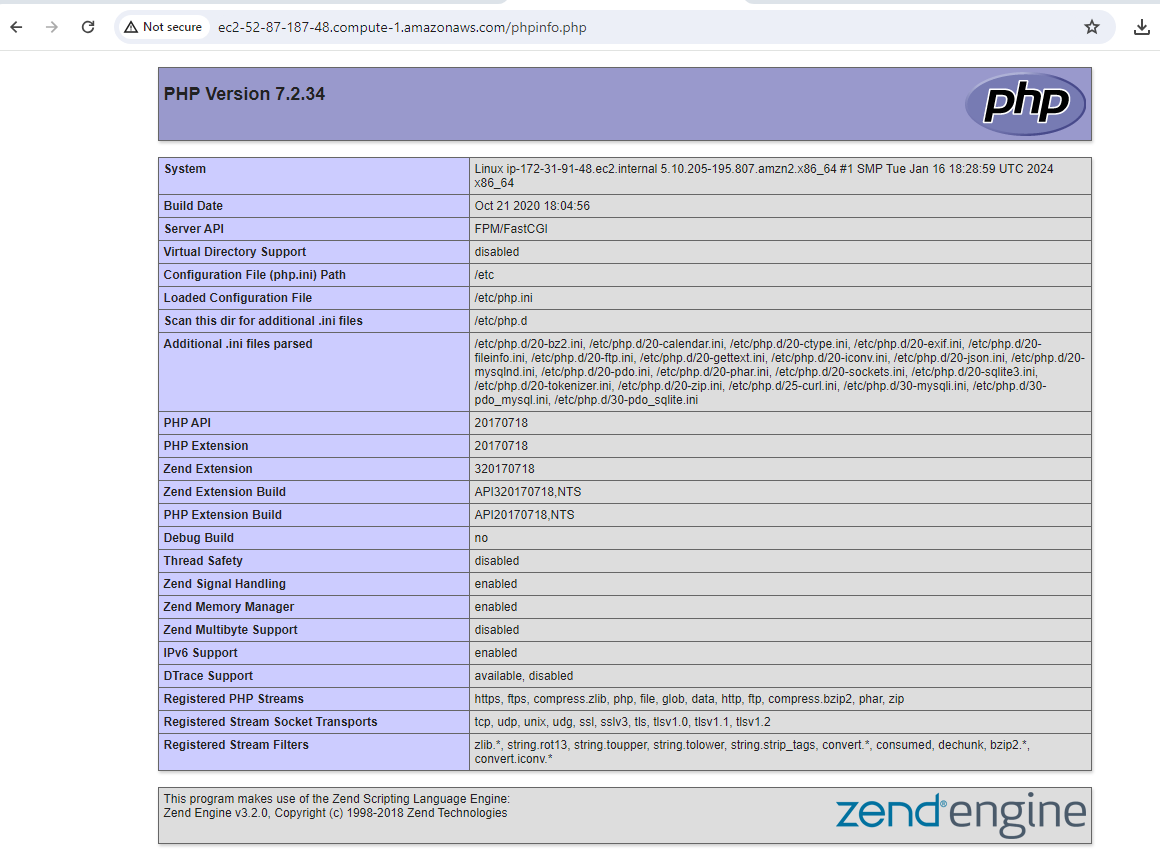
Create a PHP file in the Apache document root.
```
echo "" > /var/www/html/phpinfo.php
```
**SUBMIT: Screenshot of PHPInfo page (showing EC2 Public DNS name in Browser)**
Delete the `phpinfo.php` file. Although this can be useful information, it should not be broadcast to the internet for security reasons.
```
rm /var/www/html/phpinfo.php
```